It’s okay to forget. Strofi remembers.
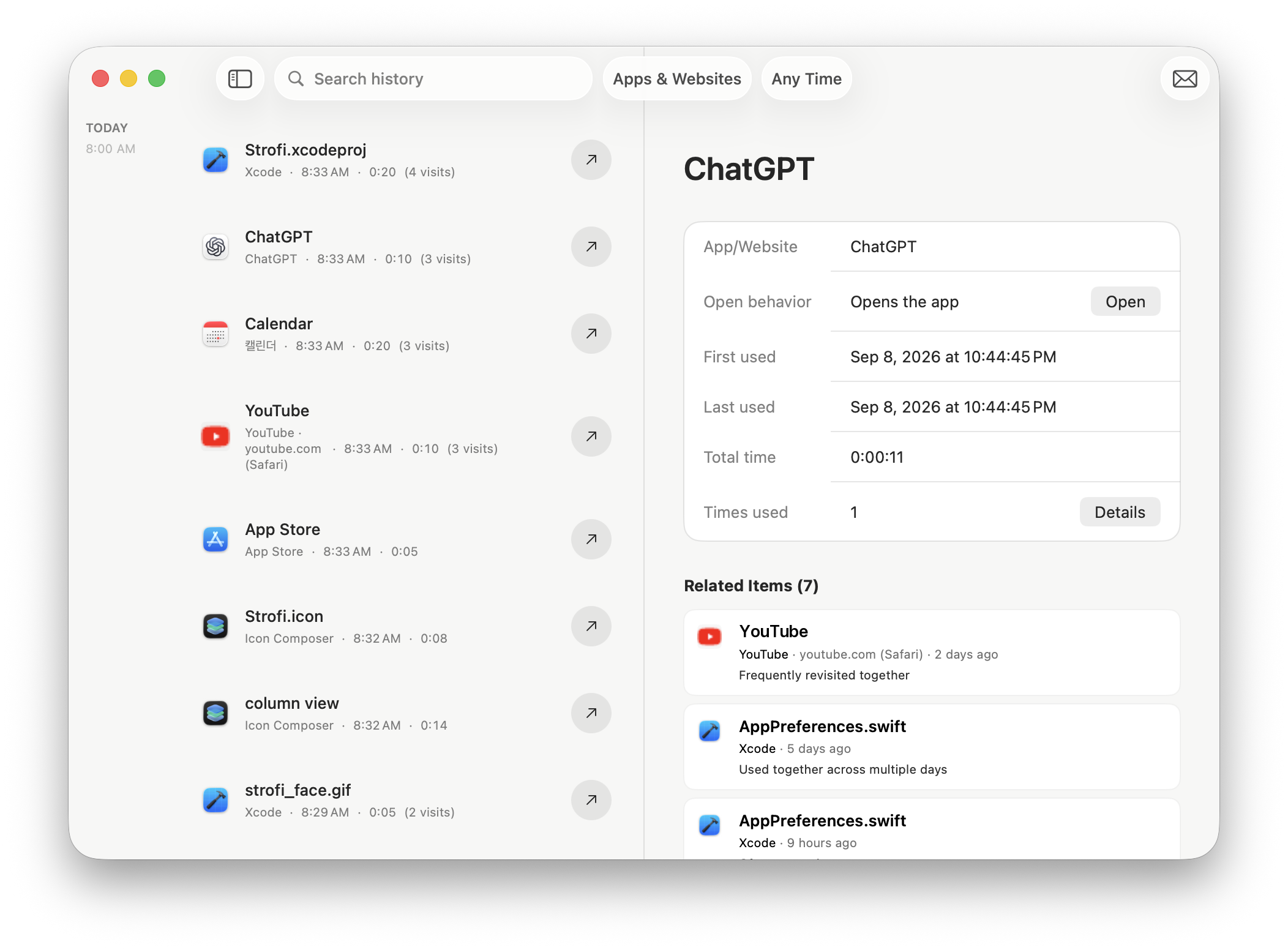
Can’t remember what you were working on yesterday? Strofi keeps track of your activity across your Mac, so you don’t have to.
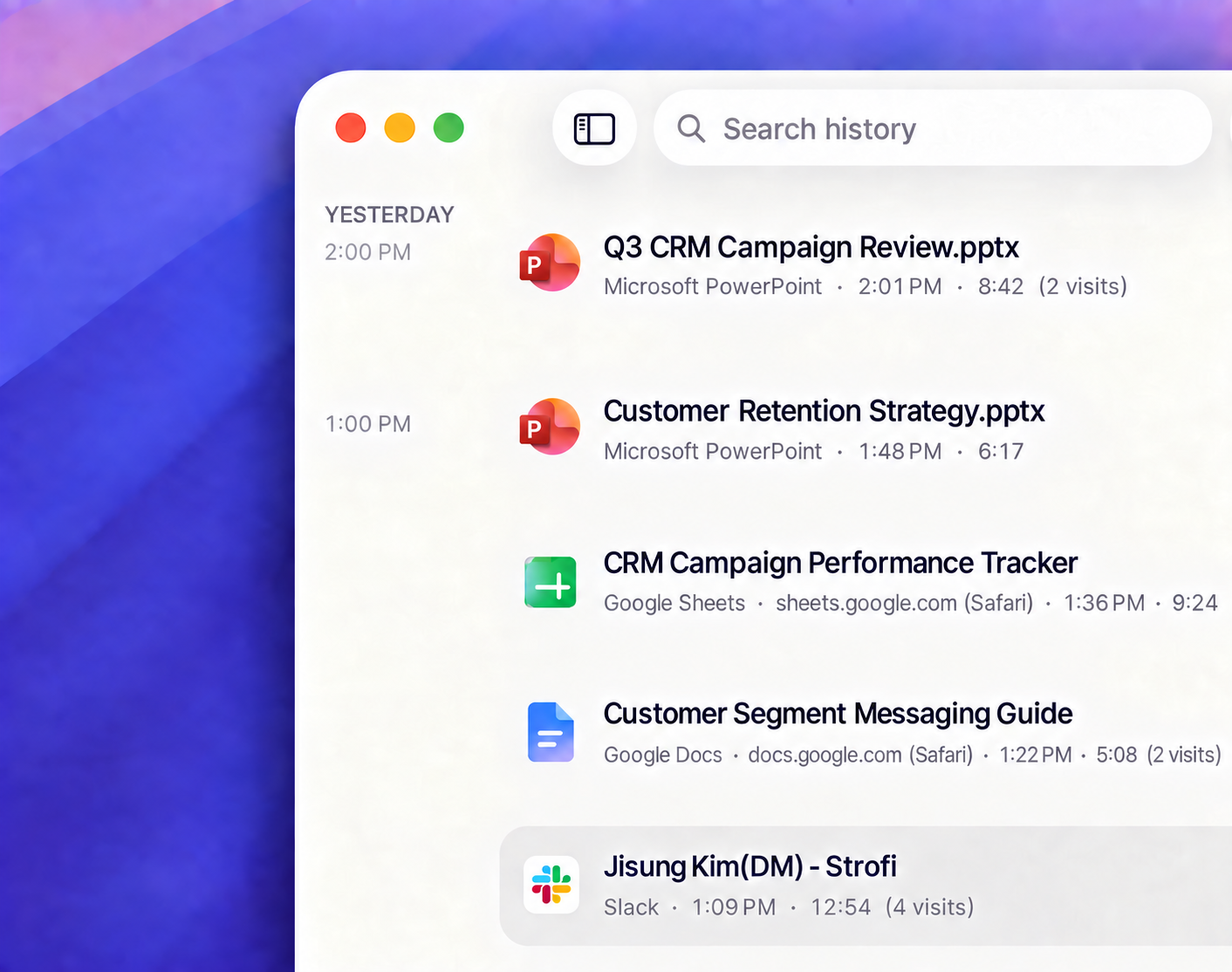
Strofi remembers the files, apps, web pages, and browser tabs you've used, so you can easily find and reopen what you need.
Strofi requires an Apple silicon Mac (M1 or later) with macOS 26.0 or later.






Can’t remember what you were working on yesterday? Strofi keeps track of your activity across your Mac, so you don’t have to.
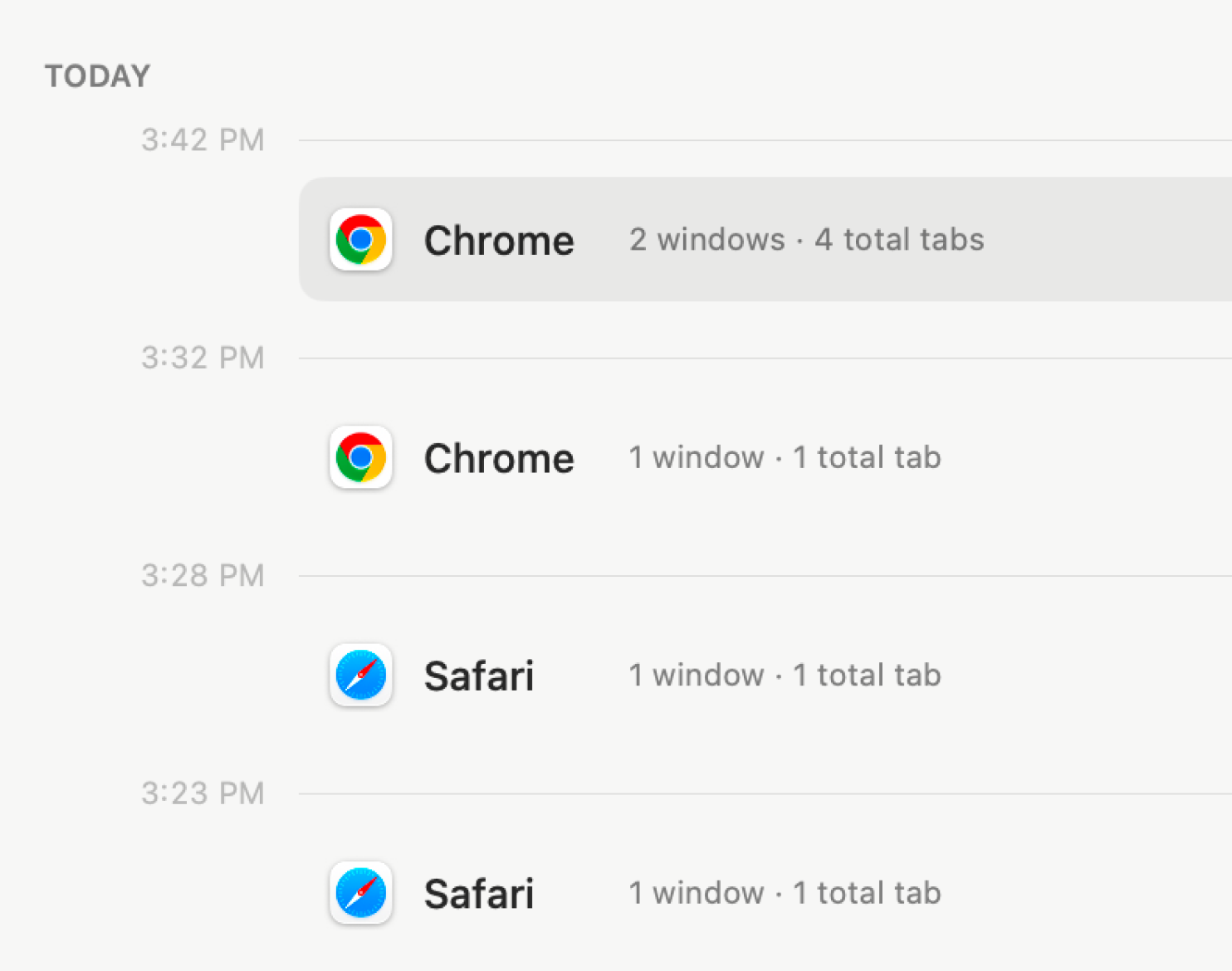
Strofi saves snapshots of your Chrome and Safari windows and tabs, so you can reopen a saved set after a crash or an accidental close.
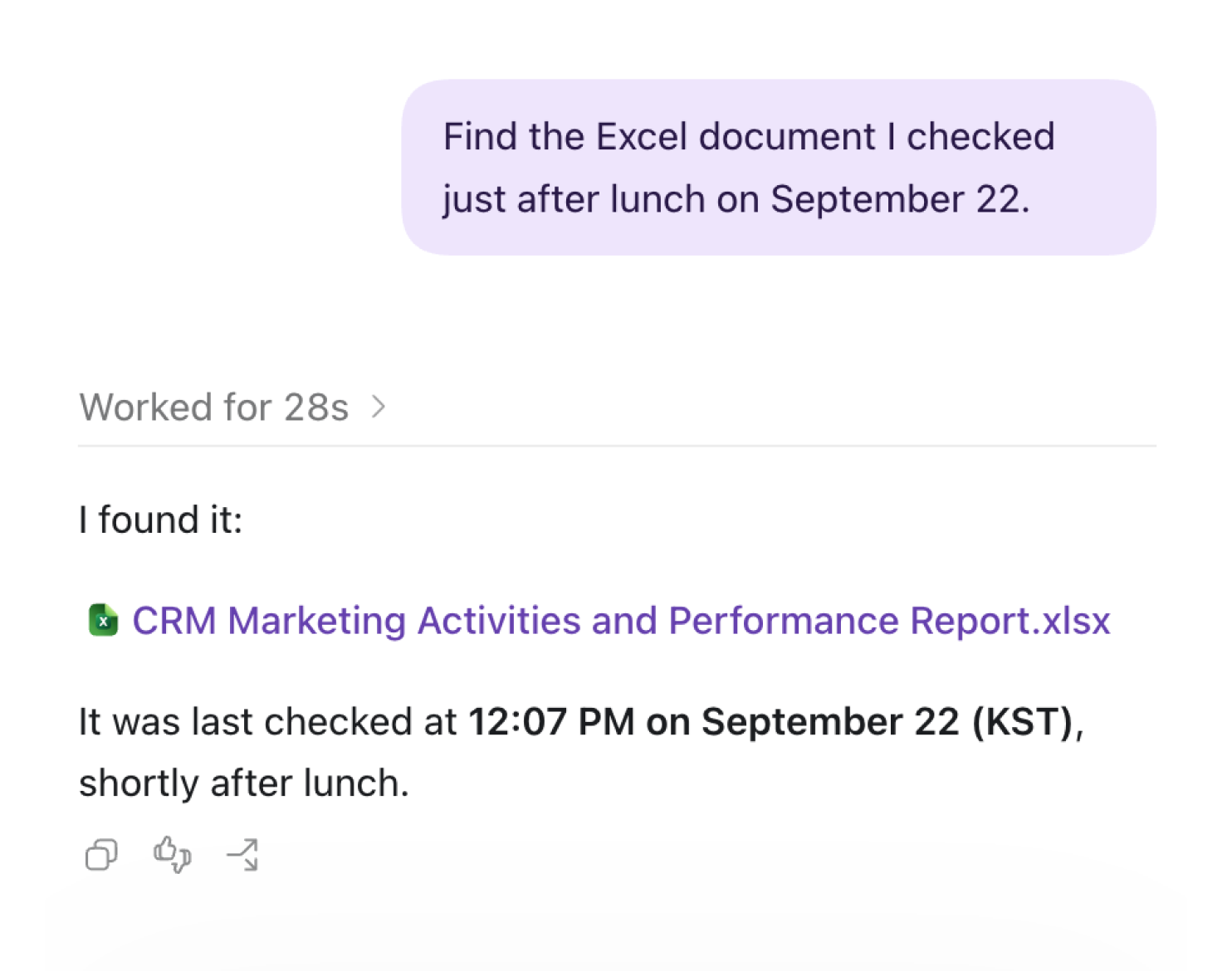
Connect Strofi to the AI apps you already use. They can find past documents, summarize your day, and help you get more done.
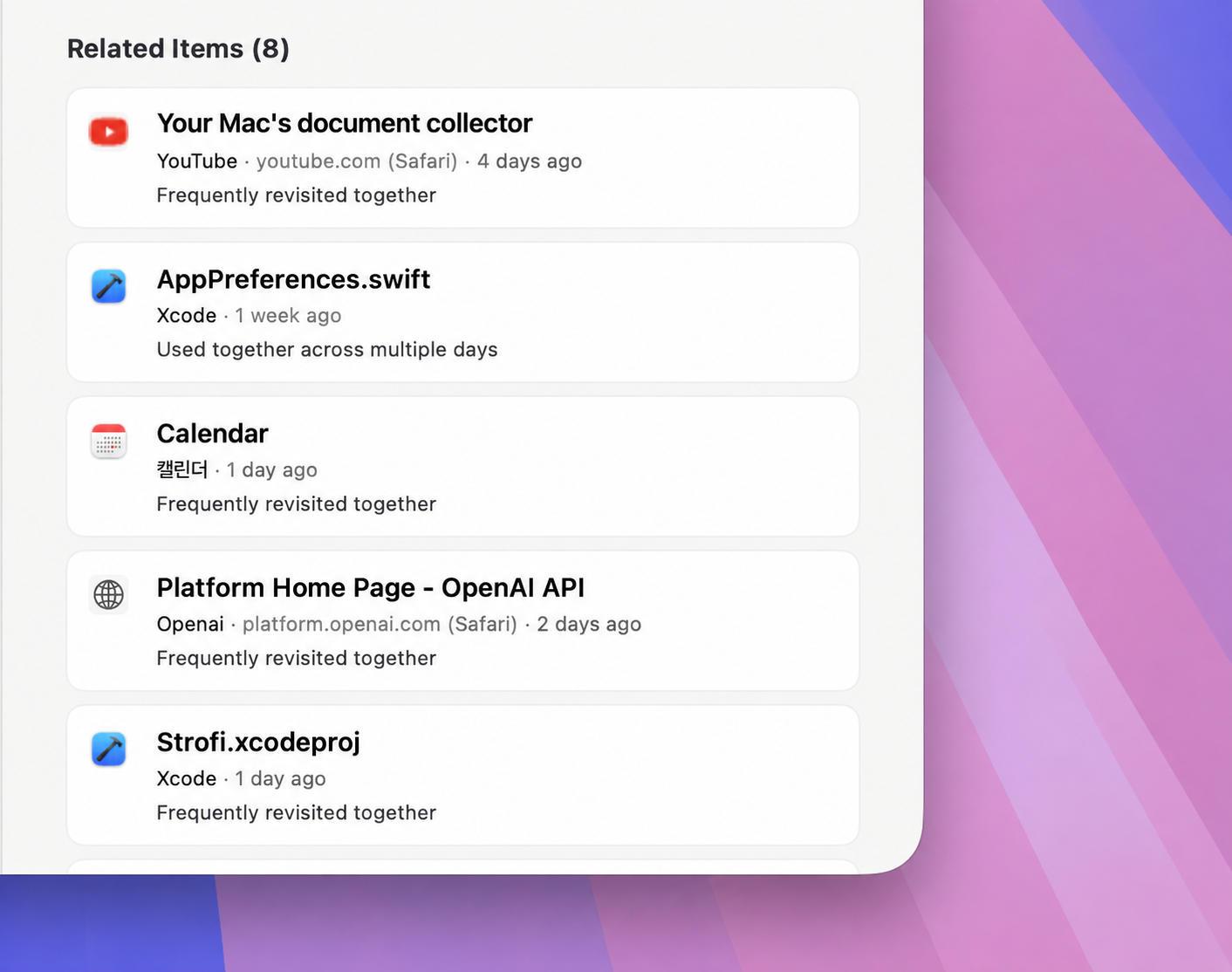
Strofi recognizes your activity patterns and recommends items related to what you’re viewing.
Strofi is designed with your privacy at its core.
It only records the minimum information needed to identify and reopen an item, including its title, basic identifying details, and file path or URL. It also records how you move from one item to another.
Strofi stores your Activity Data on your Mac. If you enable Local MCP and connect an AI app, that app can receive the data you choose to share.